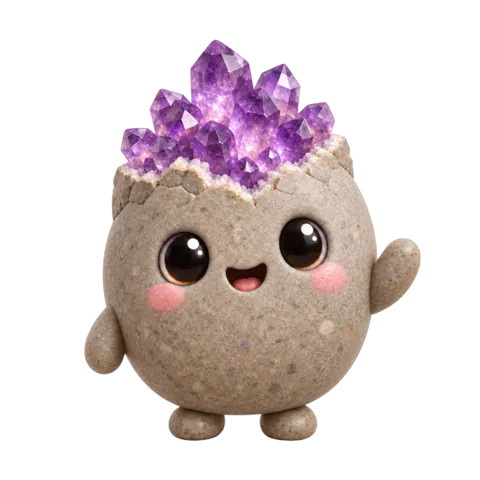

Rockbud
Rocks & crystals
Snap a rock, crystal or mineral. Bud tells you what it is, and a 30-second test to be sure.
Four little nature apps for iPhone
Rockbud knows rocks. Pipwing knows birds. Sprout Scout knows plants. Buglet knows bugs. Snap a photo and a friendly guide tells you what you found, how sure it is, and something worth remembering.
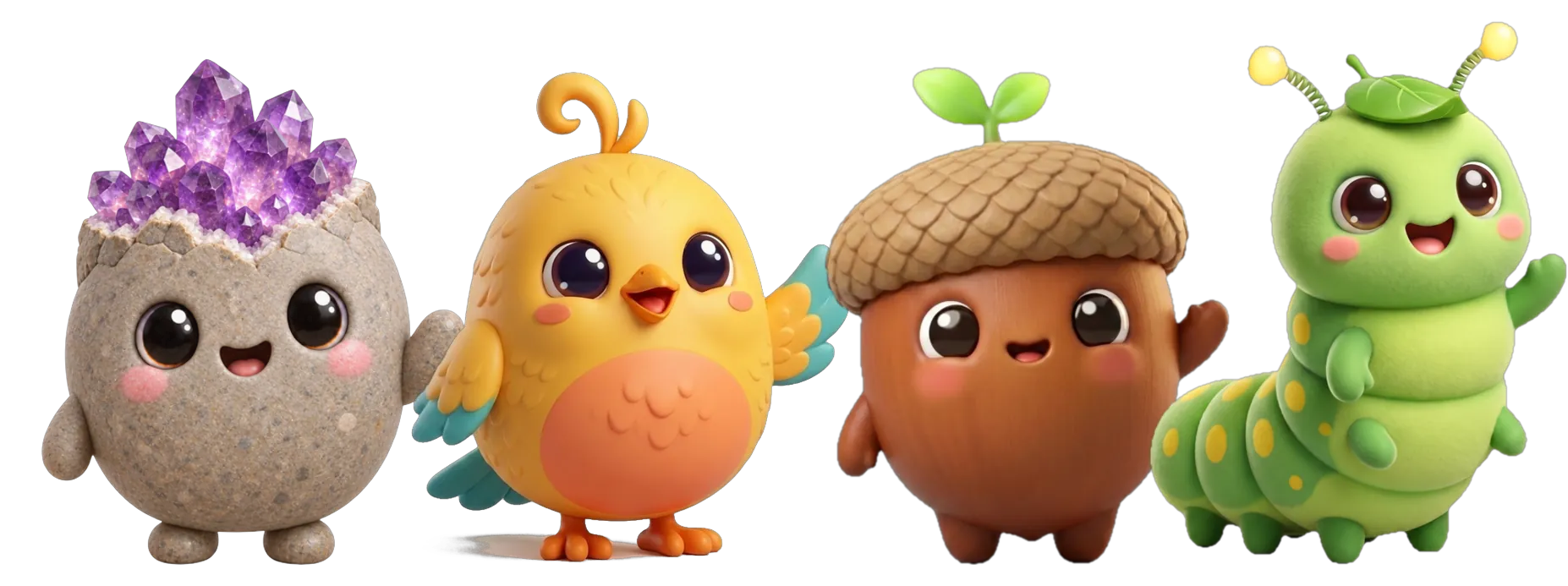
Each app knows thousands of finds in its own corner of nature, and teaches you something every time.
Rocks & crystals
Snap a rock, crystal or mineral. Bud tells you what it is, and a 30-second test to be sure.


Birds
Snap a bird. Pip tells you who it is, what it sounds like and when it visits. Then it joins your life list.


Plants & trees
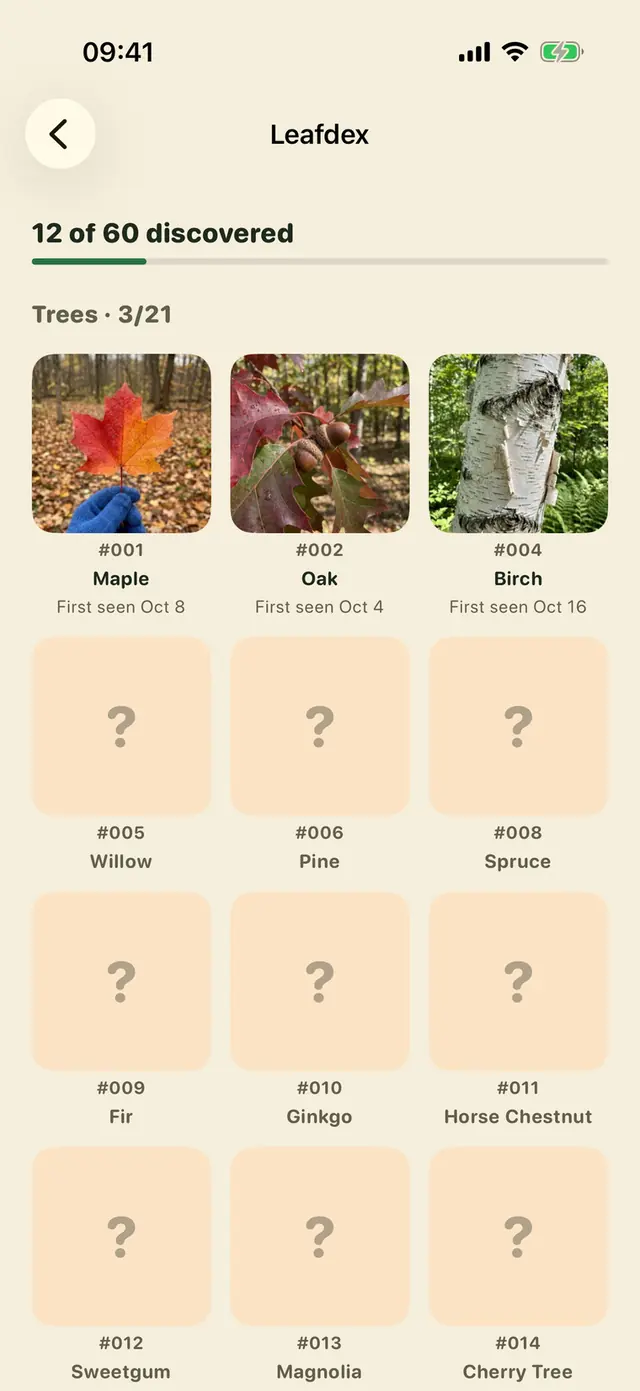
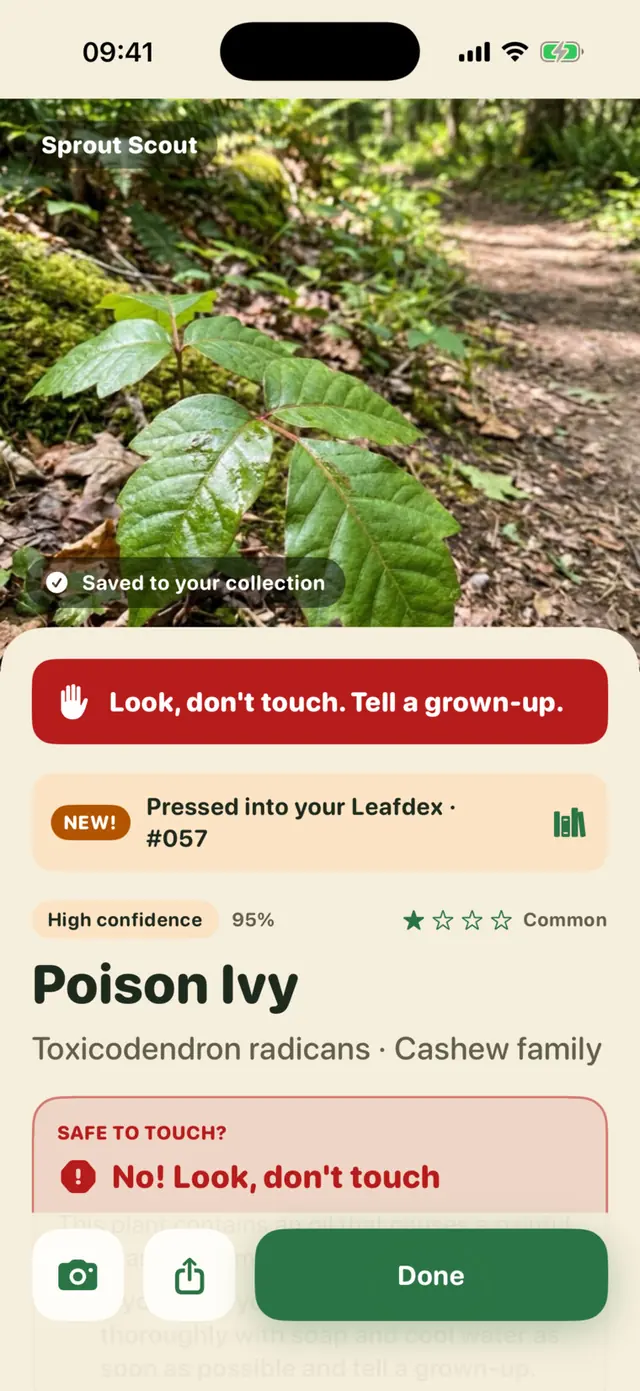
Snap a leaf, flower or tree. Sprig tells you what it is, how it grows and whether it's safe to touch.


Bugs & spiders
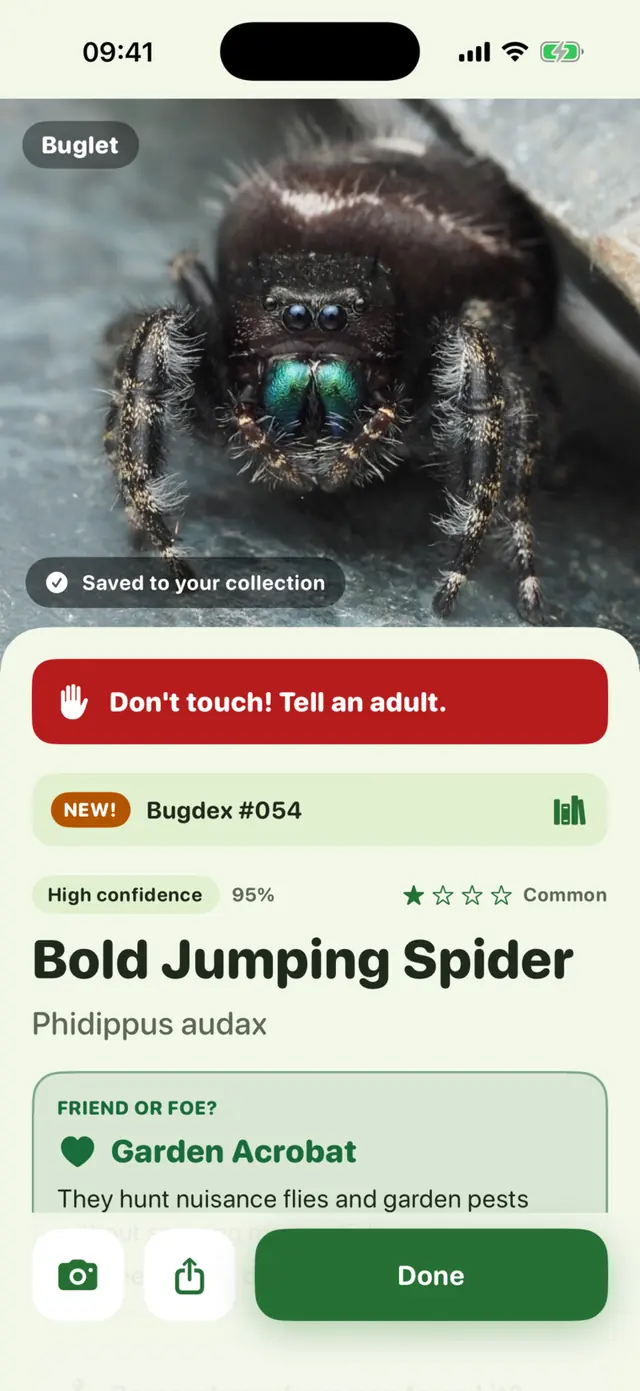
Snap a bug or spider. Nib tells you what it is, and whether it's a friend or a foe.
Inside the apps
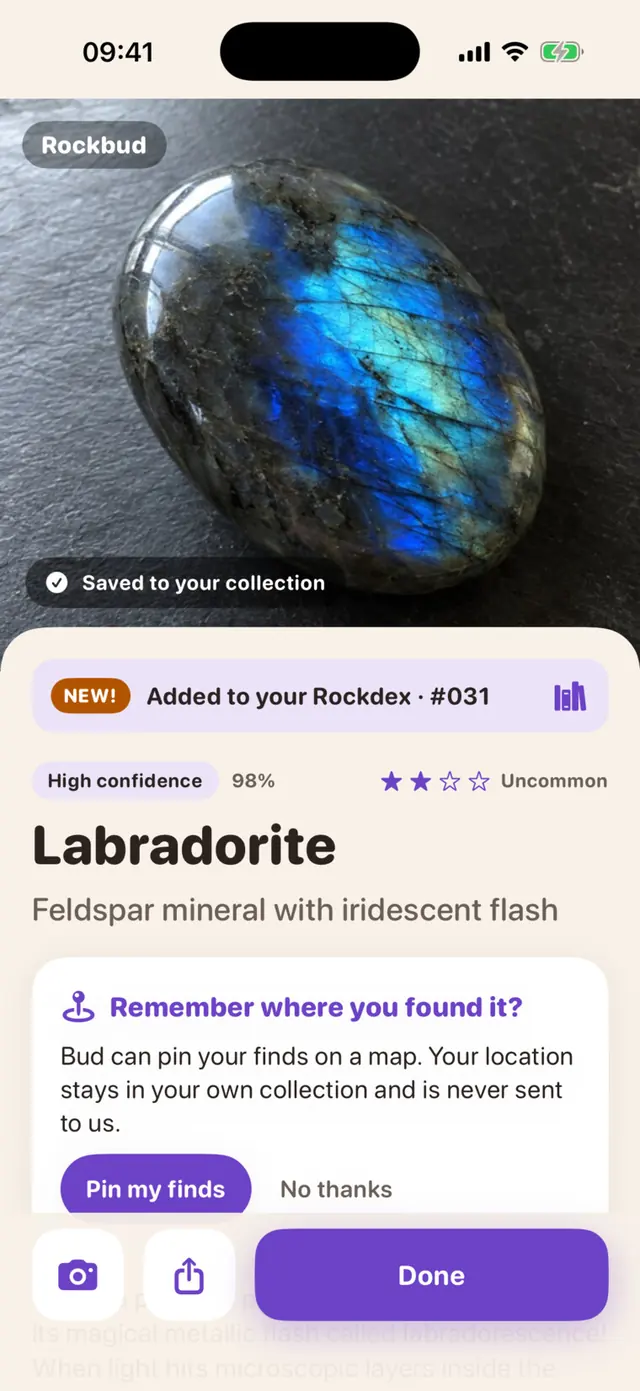
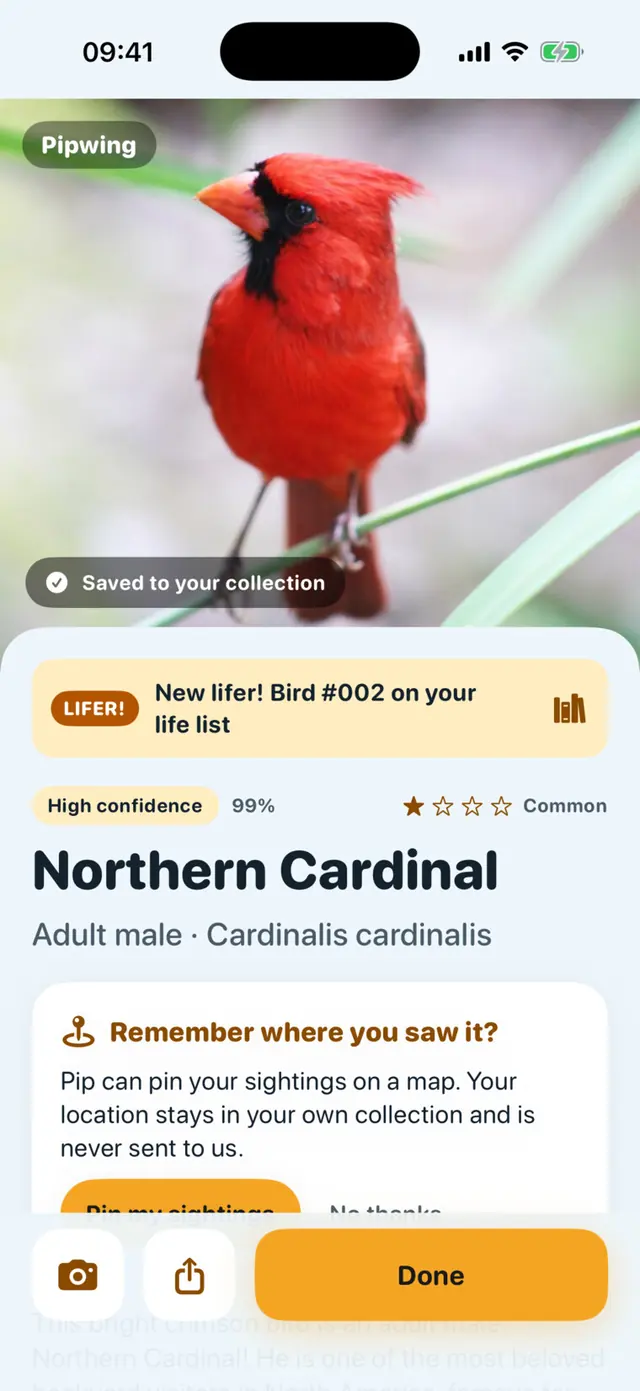
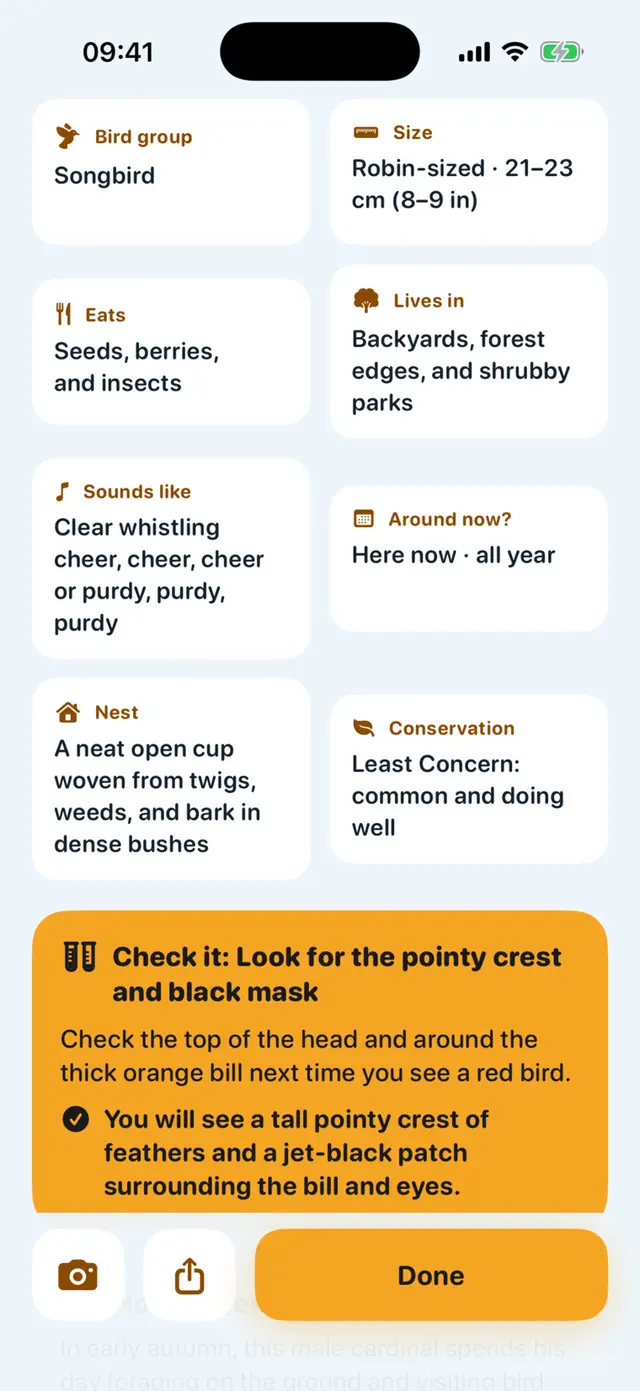
Real screens from each app, just as your family will see them.
Swipe to see all four
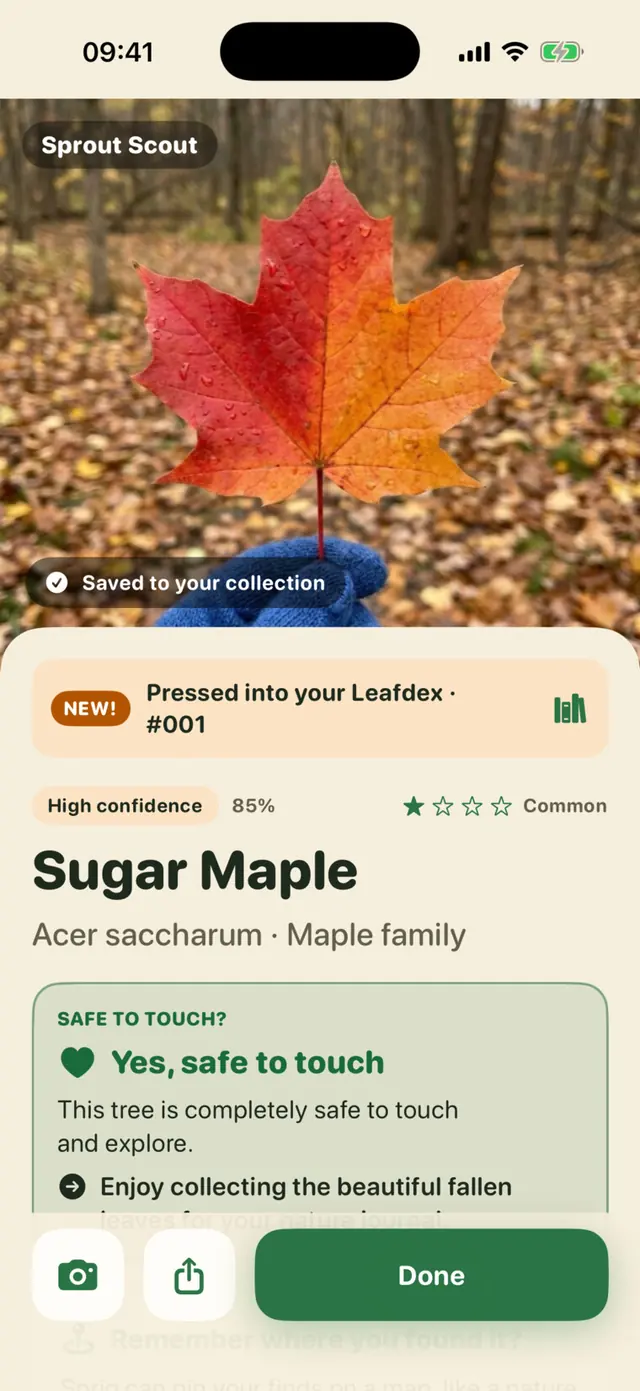
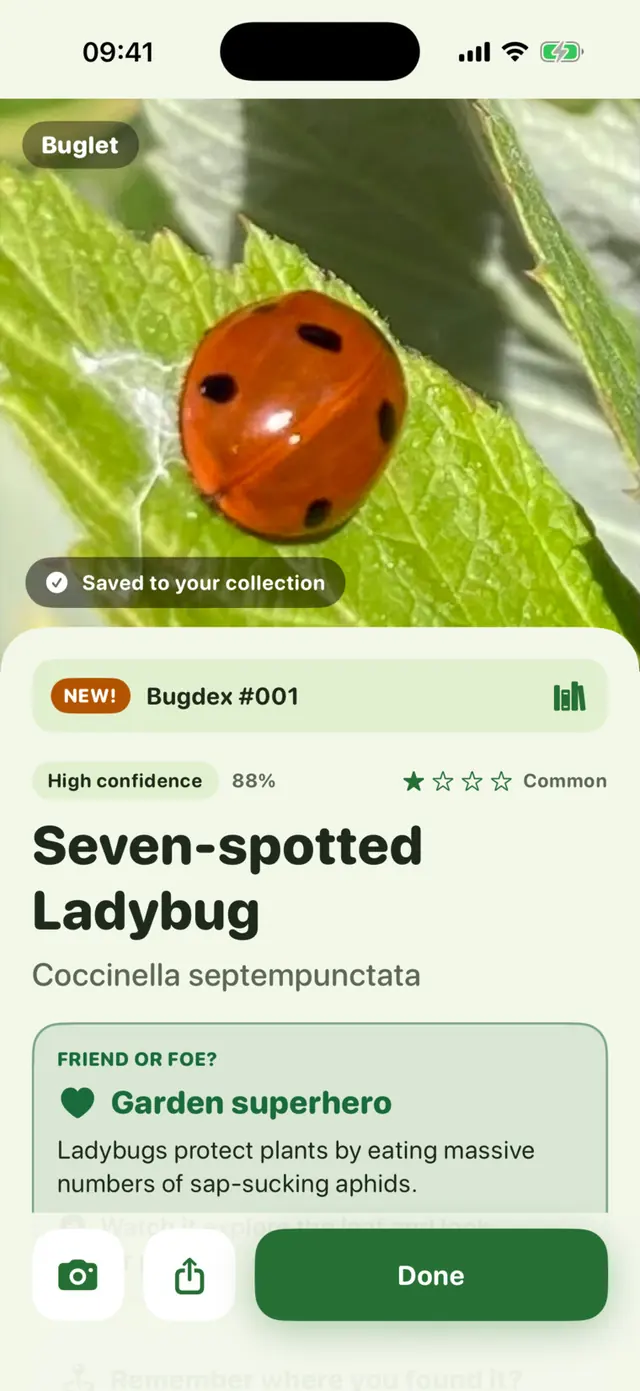
How it works
The same three steps in every app, so once your family knows one, you know them all.
Point your camera at a rock, bird, leaf or bug, or pick a photo you already took. Far-away birds get a zoomed-in camera.
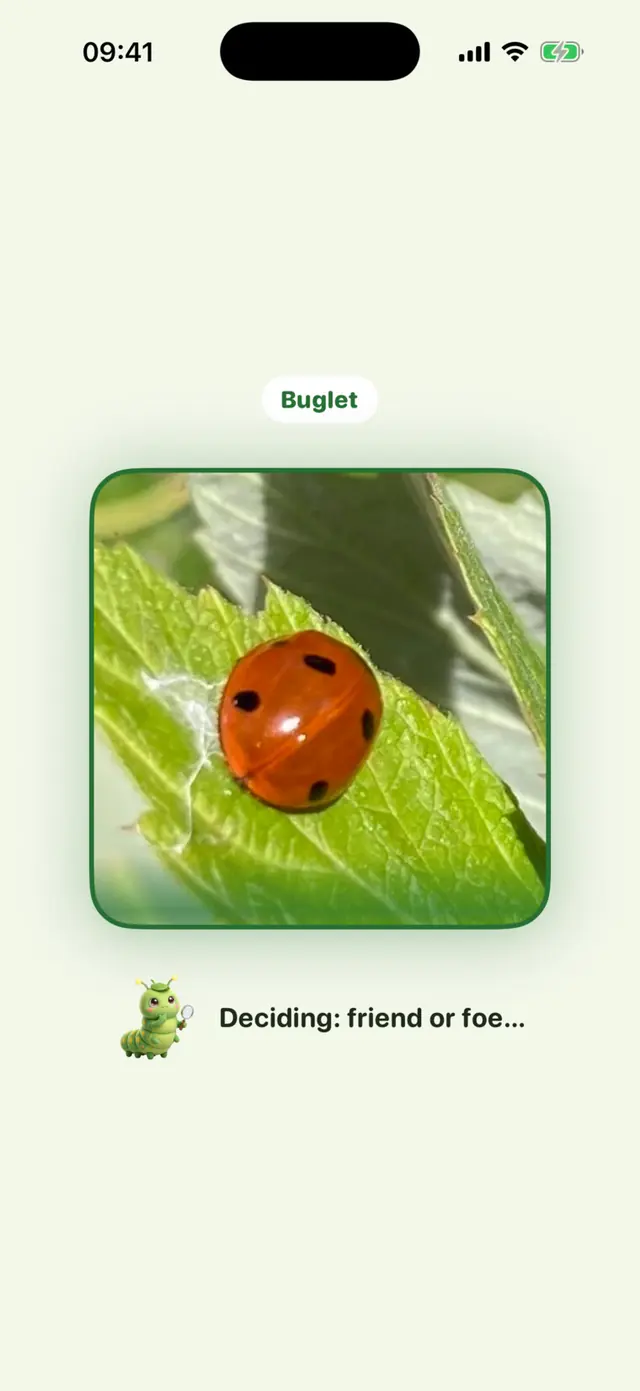
Get its name and how sure the app is, the closest look-alikes, a safety note, a story, a few facts worth repeating at dinner and a quick quiz.
Every find joins your Rockdex, Life List, Leafdex or Bugdex, and your guide grows up as your collection does.
Honest pricing
Each app is free to download. No ads, and the trial terms are on screen before you start.
Try it
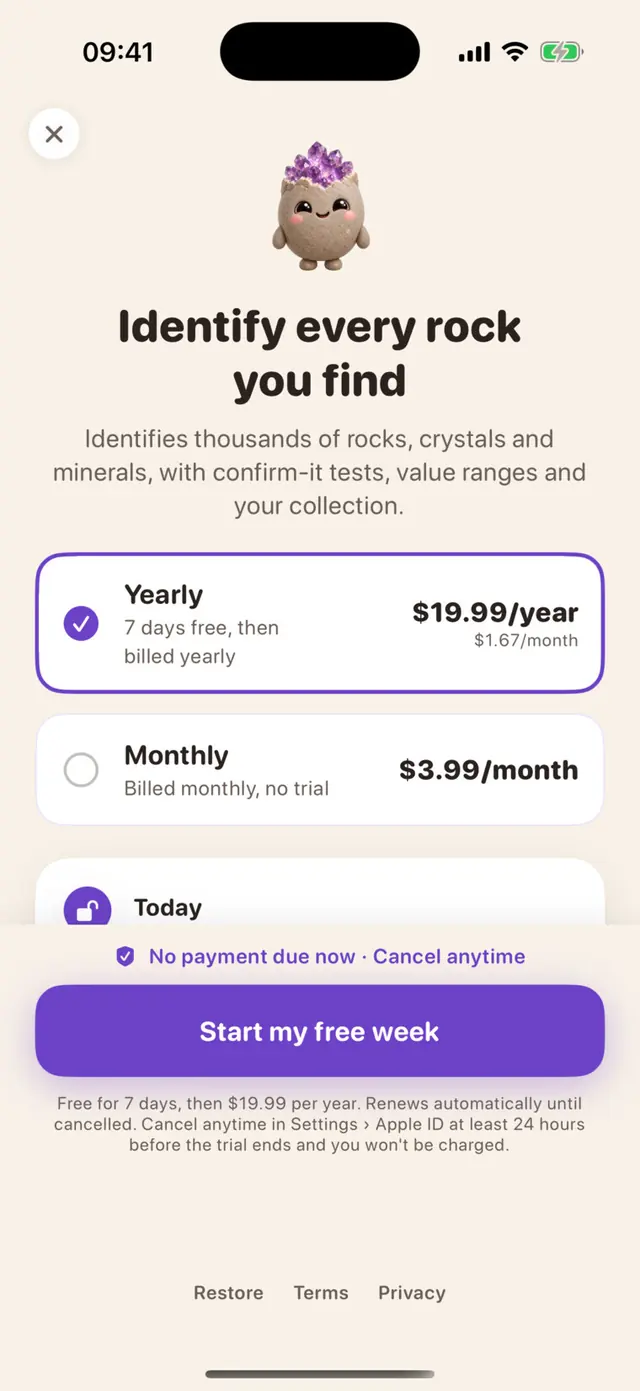
Free
A sample scan, then 3 real scans. No subscription needed.
Yearly · most popular
$19.99 / year
7-day free trial first. About $1.67 a month.
Monthly
$3.99 / month
No trial. Stop whenever you like.
US prices; local prices are shown in the app before you buy. Payment is charged to your Apple Account. With the yearly free trial, the first payment is charged when the trial ends; cancel at least 24 hours before then and you pay nothing. Subscriptions renew automatically unless cancelled at least 24 hours before the end of the current period.
For parents
Built for the kind of outing that's curious, outdoors and light on screen time, so they're private by default.
No ads and no ad or analytics SDKs. The apps send only anonymous counts, like “the plans screen was opened”, never linked to you.
No sign-up, no email and no profiles. Open the app and start exploring.
The app asks before sending any photo. Each one is used only to identify your find, then discarded by us, and it isn't used to train AI.
Finds, notes and map pins live on your devices and in your own iCloud. We never see them.
“Don't touch, tell an adult” for stingers and biters. Never eat wild plants. Never lick an unknown rock.
Family Sharing is on: one subscription per app covers up to six people. Cancel anytime in Settings.
Guides
Short, honest guides to the questions families ask most.
Questions
A family of four iPhone apps that share one simple idea: point your camera at something in nature and find out what it is. Rockbud is for rocks and crystals, Pipwing for birds, Sprout Scout for plants and trees, and Buglet for bugs and spiders. Each has its own little guide character who grows as you collect.
Each app is free to download and comes with a sample scan and 3 real scans free. After that, each one needs its own subscription: $19.99 a year with a 7-day free trial, or $3.99 a month with no trial.
No. Each app has its own subscription, so you only pay for the ones your family uses. Each subscription covers your whole family through Family Sharing, up to six people.
Very good with a clear photo of a common find, and honest when they're not sure: every answer shows a confidence level and the closest look-alikes, with a tip or a quick test to check. They use AI, so they can be wrong. Never touch, taste or eat something because of an answer.
Before your first scan, the app asks your permission. Each photo is sent securely to our server, which asks Google's Gemini AI to identify it and sends back the answer. We don't keep your photos, and they aren't used to train AI. Your collection stays on your devices and your own iCloud.
They're made for families exploring together: grown-ups and children side by side. There are no ads, no chat and nothing social, and safety notes say “don't touch, tell an adult” whenever it matters. Purchases go through Apple, so Ask to Buy and Screen Time work as usual.
Any iPhone running iOS 17 or later. Scanning needs an internet connection; your collection works offline.
